
Let colleagues find your team: verified domains
Verify your company's e-mail domain (for example yourcompany.example) to let colleagues find your team, and to use single sign-on.
Who can do this: the owner, admins, and members with the right Organisation details, domains and team discovery.
Verify a domain
- Open Team and the Domains tab.
- Under Add a domain, type your domain and click Add. Public mail services such as gmail.com or simnet.is can't be added.
- Parasend shows a DNS record to add at your domain's DNS provider. Add it, then come back and check. When Parasend has found the record, the domain shows as Verified.
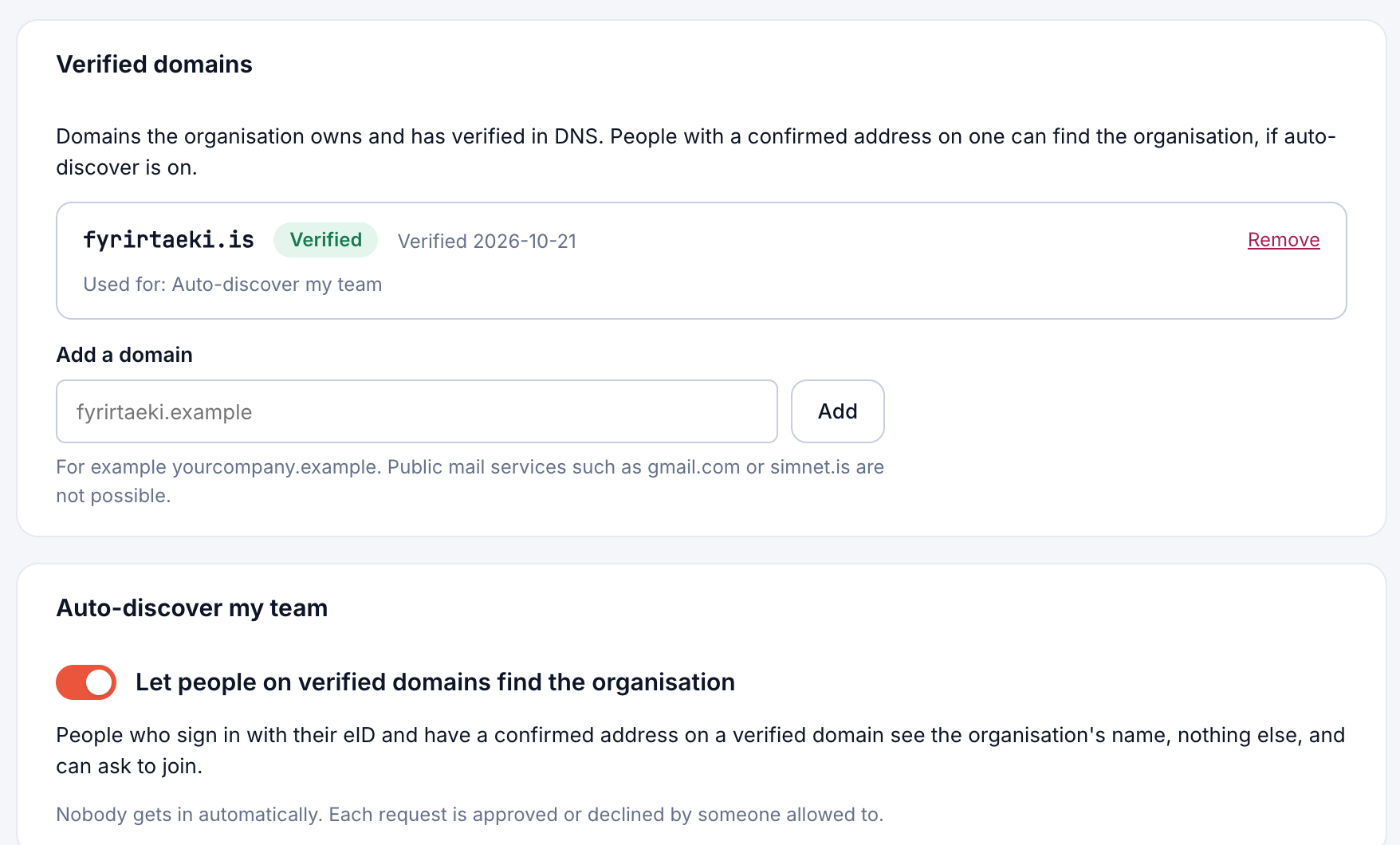
A verified domain is used for Auto-discover my team and for single sign-on. To stop using it, click Remove.
Auto-discover my team
Turn on Let people on verified domains find the organisation. Then people who sign in with their electronic ID and have a confirmed address on a verified domain see your organisation's name, and nothing else, and can ask to join.
Nobody gets in automatically: each request is approved or declined by someone allowed to. See Approve or decline join requests.