
Add a card or change how you pay
Your service plan is paid by card or by a bank claim (a claim in your online bank, with the invoice sent by e-mail). Pay-as-you-go is always paid by card.
Who can do this: the owner, admins and members with the right Usage, invoices and payment methods.
Add a card
- Open Service plan and billing and the Payment method tab.
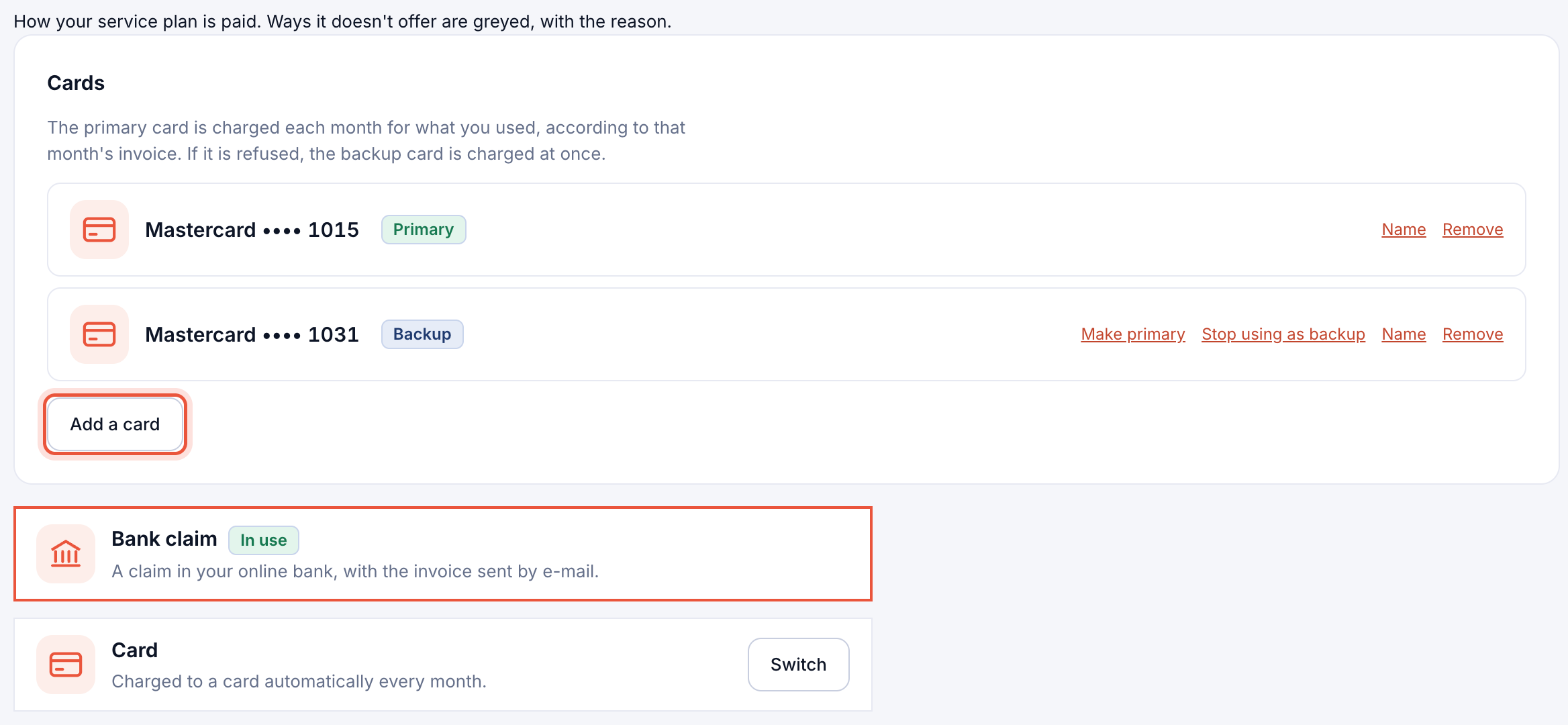
- Under Cards, click Add a card and enter the card details in the secure form. Your bank may ask you to confirm. The card is checked without a charge.
Card payments are processed by Teya, Parasend's card processor.
Primary and backup cards
The Primary card is charged each month for what you used, according to that month's invoice. If it is refused, the Backup card is charged at once. Use Make primary, Stop using as backup, Name and Remove to manage them.
Switch between card and bank claim
At the bottom of the tab, click Switch next to the way you want to pay, and confirm. The next invoice is paid that way. Ways your plan doesn't offer are greyed, with the reason (for example, bank claims are for Icelandic companies only).