
Verify your company
A company account is verified when Parasend has confirmed it in Skatturinn's company registry. A verified company can send live deliveries, use its free deliveries and paid plans, and recipients see its name exactly as the registry has it.
Most companies are verified while signing up. If yours was not, you can verify it from Company settings at any time.
Who can do this: the account owner or an administrator.
Check the status
Open Company settings. The Company verification card shows one of three states:
| State | What it means |
|---|---|
| Not verified | Live sending is closed. You can work in test data meanwhile. |
| Pending verification | Waiting for someone listed in the company registry to approve. The account works as before. |
| Verified | Done. The card shows who verified the company, how and when. |

Verify the company
- On the Company verification card, click Verify the company.
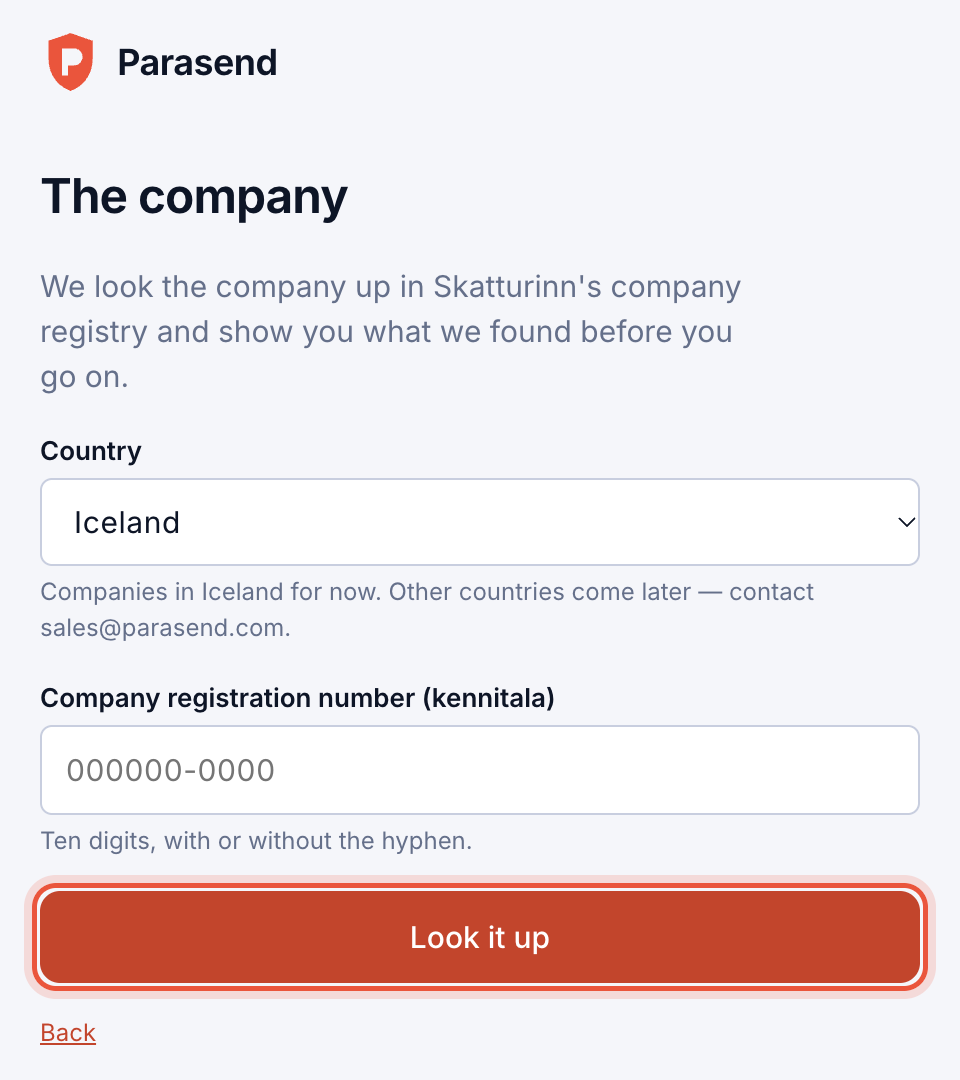
- Choose the country and type the company's registration number (kennitala). Click Look it up, and check what the registry shows.
- Click Verify.
- If the registry lists you as managing director, procuration holder or board member, confirm with your electronic ID or passkey. The company is verified at once.
- Otherwise, ask one of the people listed to approve, as described in Create a company account. The card shows Pending verification until they answer.
If the account's name differs from the registry's, the account takes the registry's name when it is verified.
Companies outside Iceland
Companies registered abroad are verified with documents: an extract from the commercial register no older than three months, and a power of attorney if you are not named in it. Parasend staff review them within 4 business days. Write to support@parasend.com to start.