
Create a company account
A company account sends deliveries in the company's name and has a team with roles. Parasend looks the company up in Skatturinn's company registry, so recipients see its name exactly as the registry has it.
Before you start: companies registered in Iceland can sign up for now. Other countries come later; contact sales@parasend.com. If your company already has a Parasend account, ask to join it instead: see Ask to join your company's account.
Step 1: Identify yourself
- Go to app.parasend.com/register, or click Create one on the sign-in page.
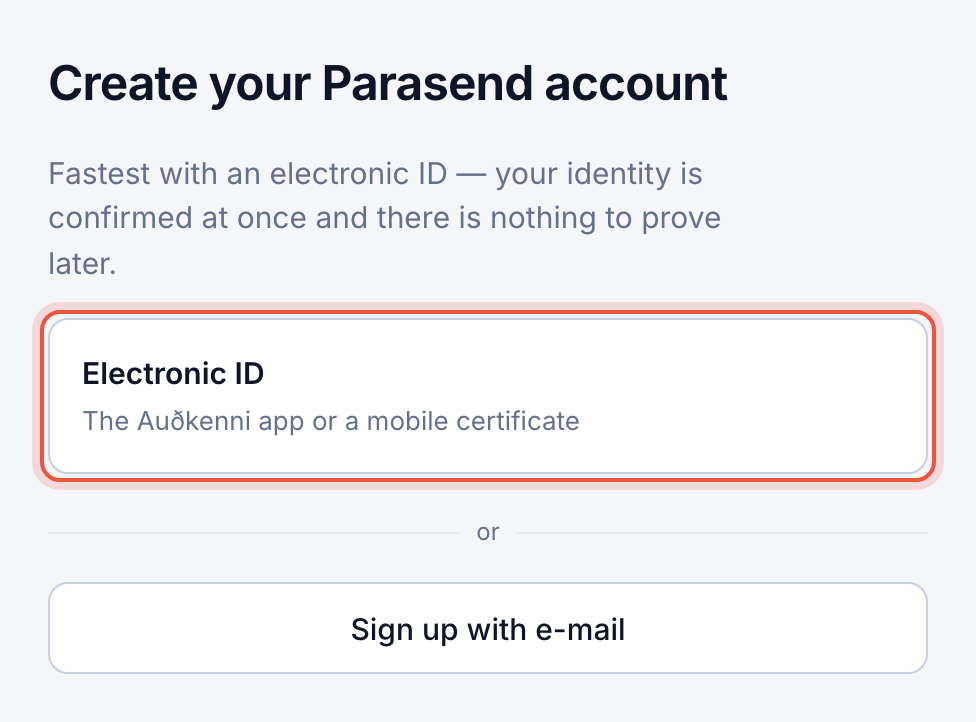
- Choose Electronic ID (the Auðkenni app or a mobile certificate). This is the fastest way: your identity is confirmed at once.
- Confirm on your phone, then choose Company account. You can also Sign up with e-mail: confirm your address, choose Company account under What kind of account? and create a passkey (the steps are in Create a personal account).
Already signed in? Open the account switcher at the top of the menu and choose + New company account.
Step 2: Look up the company
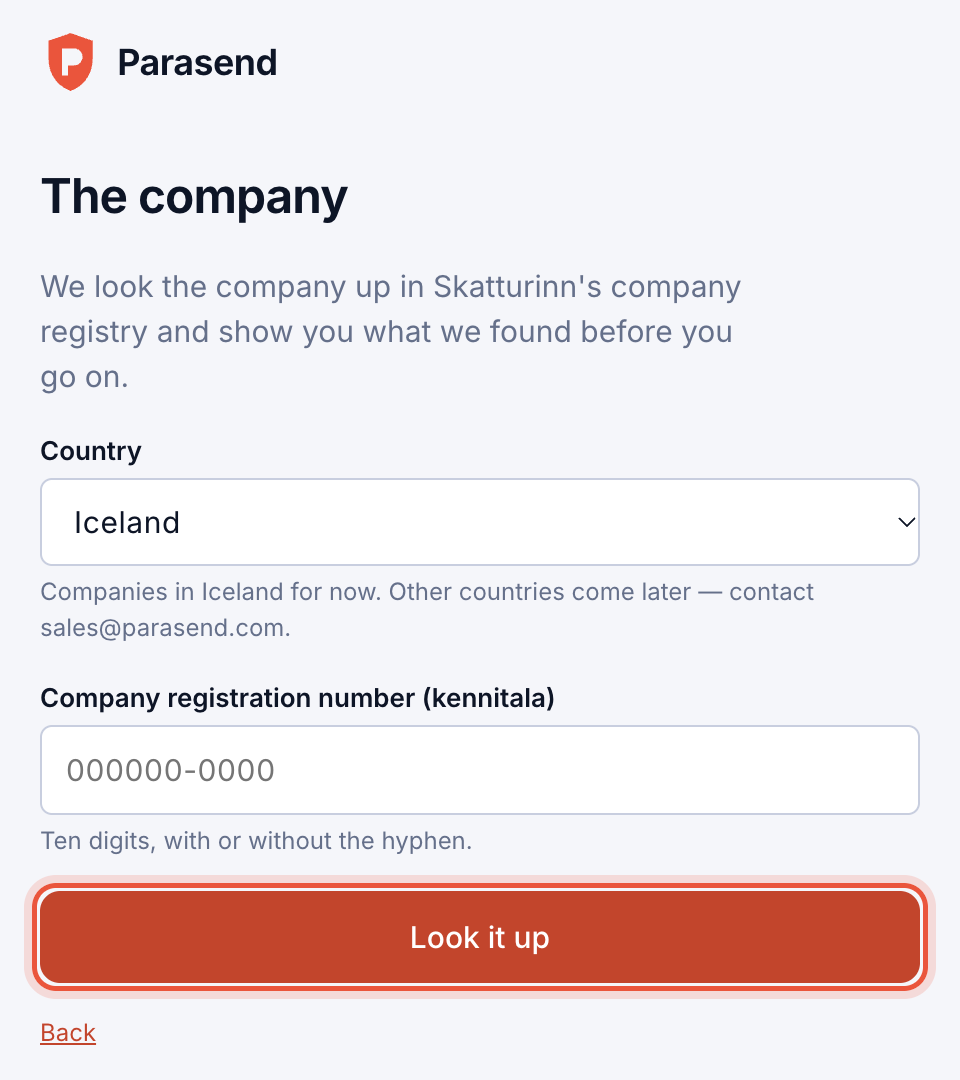
- Choose the Country and type the company's registration number (kennitala), with or without the hyphen.
- Click Look it up.
- Check the Name, Registration number, Legal form and Address under Is this the right company?, then click Confirm and continue.
A company that the registry lists as struck off, bankrupt or in insolvency proceedings can't open an account.
Step 3: Confirm that you may act for the company
What happens next depends on how the company registry lists you:
| The registry lists you as | What happens |
|---|---|
| Managing director, procuration holder, chair of the board or board member | You confirm with your electronic ID and the account is made at once. The company is verified. |
| Anything else, or not at all | One of the people the registry lists must approve the account. Choose who, enter their e-mail address and click Send the request. They sign in with their electronic ID and approve or decline. They need no Parasend account. |
About approval requests:
- Up to three requests can wait at a time, and one approval is enough.
- A request is open for 14 days. You can Remind once, a day after it was sent, or Withdraw it.
- You get an e-mail as soon as someone approves or declines.
Step 4: The account's e-mail address
Choose the address that answers to the application, invoices and account e-mail should go to. A new address is confirmed with a 6-digit code sent to it.
Step 5: Choose how to start
Under How would you like to start? pick one:
| Option | For whom |
|---|---|
| Start free | Try Parasend with real deliveries and full evidence. No card needed; choose a plan when your free deliveries are used. |
| Pay-as-you-go | No monthly fee. You add a card in the next step and pay each month for what you use. |
| Plan 1–3 and Enterprise | Lower unit prices with included volume, or custom terms. These need an agreement: click Contact sales. |
You can change this at any time under Service plan and billing. Prices are on parasend.com/pricing.
You are now the account's owner. Next, invite your colleagues and set up your brand.