
Switch between accounts
One person can belong to several accounts: one personal account and any number of company accounts. You sign in once and switch between them.
Switch from the menu
- Click the account box at the top of the menu. It shows the account you are in, whether it is a Company or Personal account, and your role.
- Choose the account to open. The one you are in is marked In use.
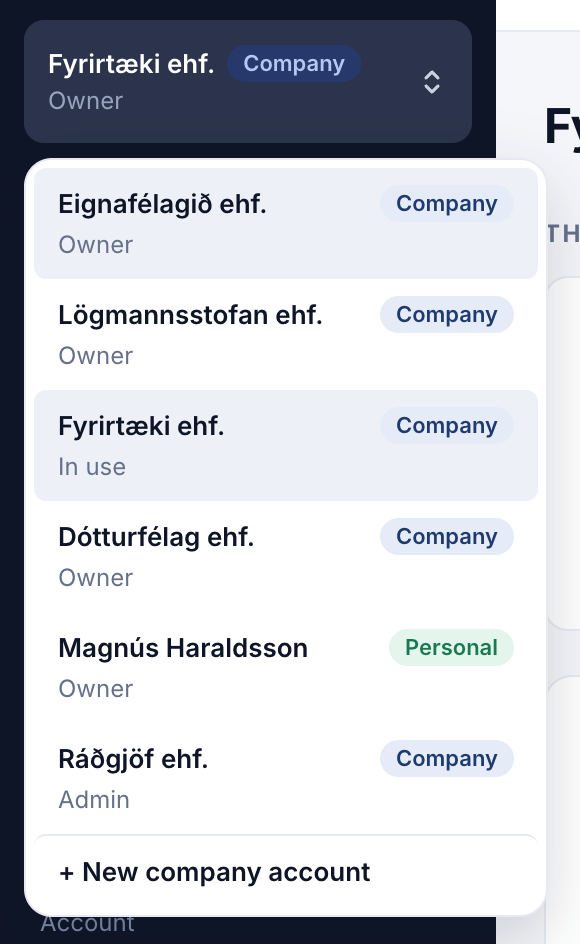
You can also switch from your menu at the top right, under Switch account.
If you switch account in one browser tab, your other open Parasend tabs tell you, so you never send from the wrong account by mistake.
Add a company account
Click + New company account at the bottom of the switcher. See Create a company account.