
Verify a Delivery Certificate
Anyone can check that a Delivery Certificate is genuine: the recipient, the sender, a lawyer or a court. The check compares the certificate with Parasend's own records.
Check a certificate
- Scan the QR code in the Verification section of the certificate, or go to parasend.com/verify.
- Type the code printed under the QR code (it starts with
evd_) and click Check.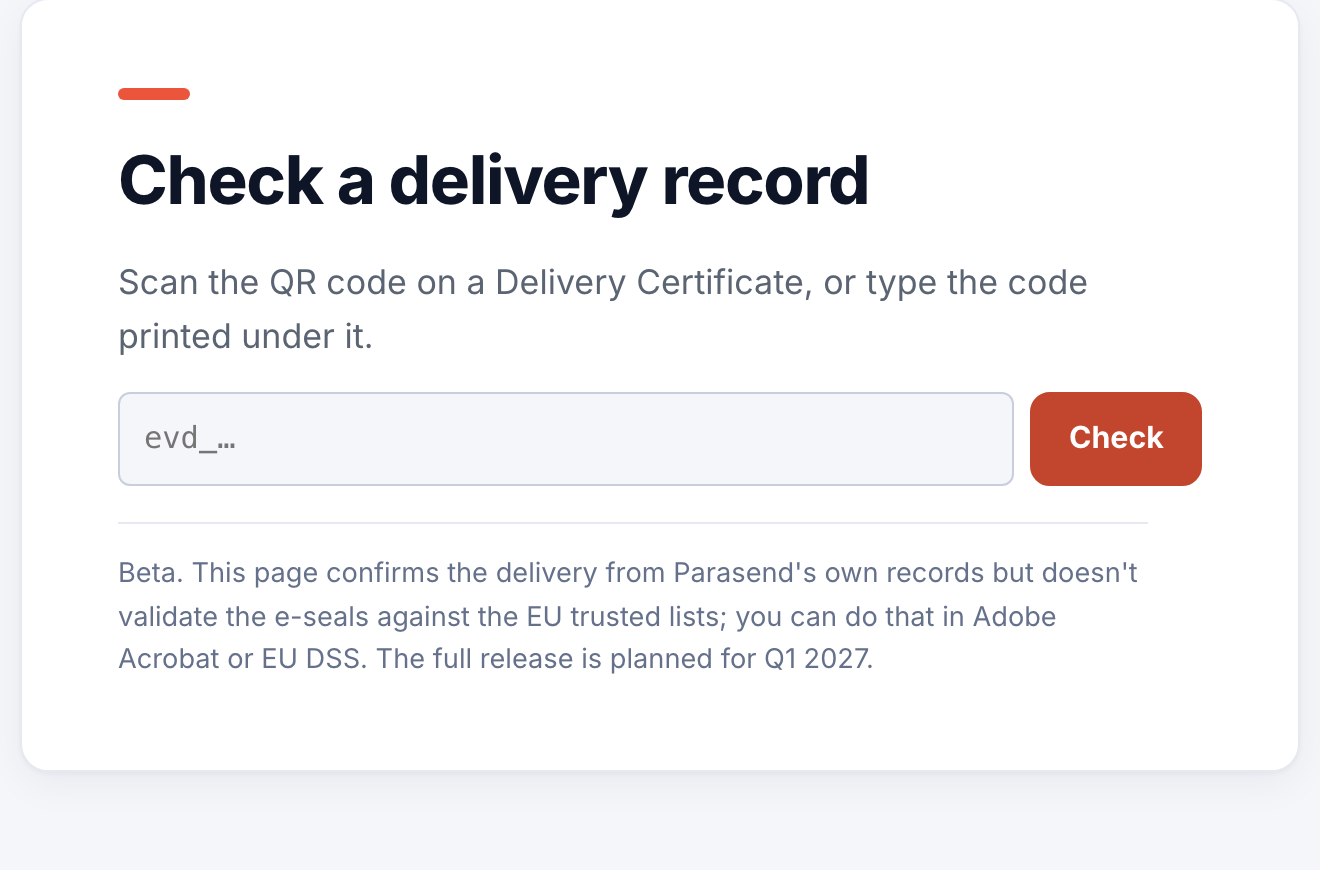
- The page shows the delivery as Parasend's records have it. Compare it with the certificate.
If the page says No delivery found with this code, the code may be mistyped, or the document may have been altered or fabricated. Scan the QR code again, or type the code exactly as printed.
Check the electronic seals
Every Delivery Certificate and evidence item carries an advanced electronic seal. The check page confirms the delivery from Parasend's records; to validate the seals themselves against the EU trusted lists, open the PDF in Adobe Acrobat or use the EU's DSS validator.
The certificate also lists every document's SHA-256 fingerprint. A document whose fingerprint matches is exactly the one that was delivered.
The check page is in beta; the full release is planned for the first quarter of 2027.