
Lost your passkey? Get back in
If you can't sign in with your passkey, for example because you have a new phone or lost your laptop, there are two ways back in.
If you have an electronic ID
- Sign in with your electronic ID on the sign-in page. See Sign in to Parasend.
- Open Security from your name at the top right, add a passkey on your new device, and remove the old device's passkey. See Add and manage passkeys.
If you signed up with e-mail
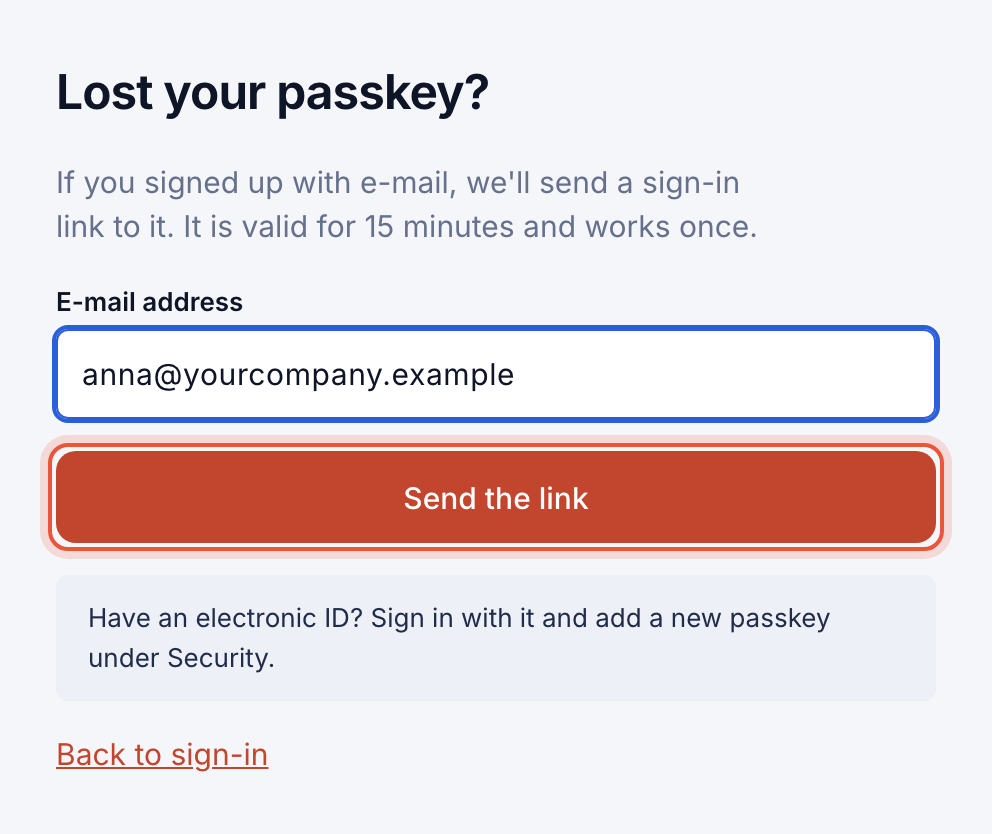
- On the sign-in page, click Lost your passkey?

- Enter the e-mail address of your account and click Send the link.
- Open the e-mail and click the sign-in link. It is valid for 15 minutes and works once.
- Create a new passkey on your device when Parasend asks you to.
Can't get in either way? Contact info@parasend.com.